
Only the sport from your IPTV playlists.
Sportset is an IPTV player for Apple TV. It reads the playlists you already have, keeps the channels that carry sport and turns their guide into a page for each sport – what is on now, what starts next and what you can still watch back.
Coming to Apple TV. iPhone and iPad soon after.
How Sportset works
-
Add a playlist
Paste an M3U address or sign in with an Xtream Codes line. Add as many as you have – the same channel on two of them becomes one, with a spare if a stream drops.
-
Sportset keeps the sport
It reads every channel and its programme guide and keeps only what carries sport, even from playlists of fifty thousand channels.
-
Pick your sports
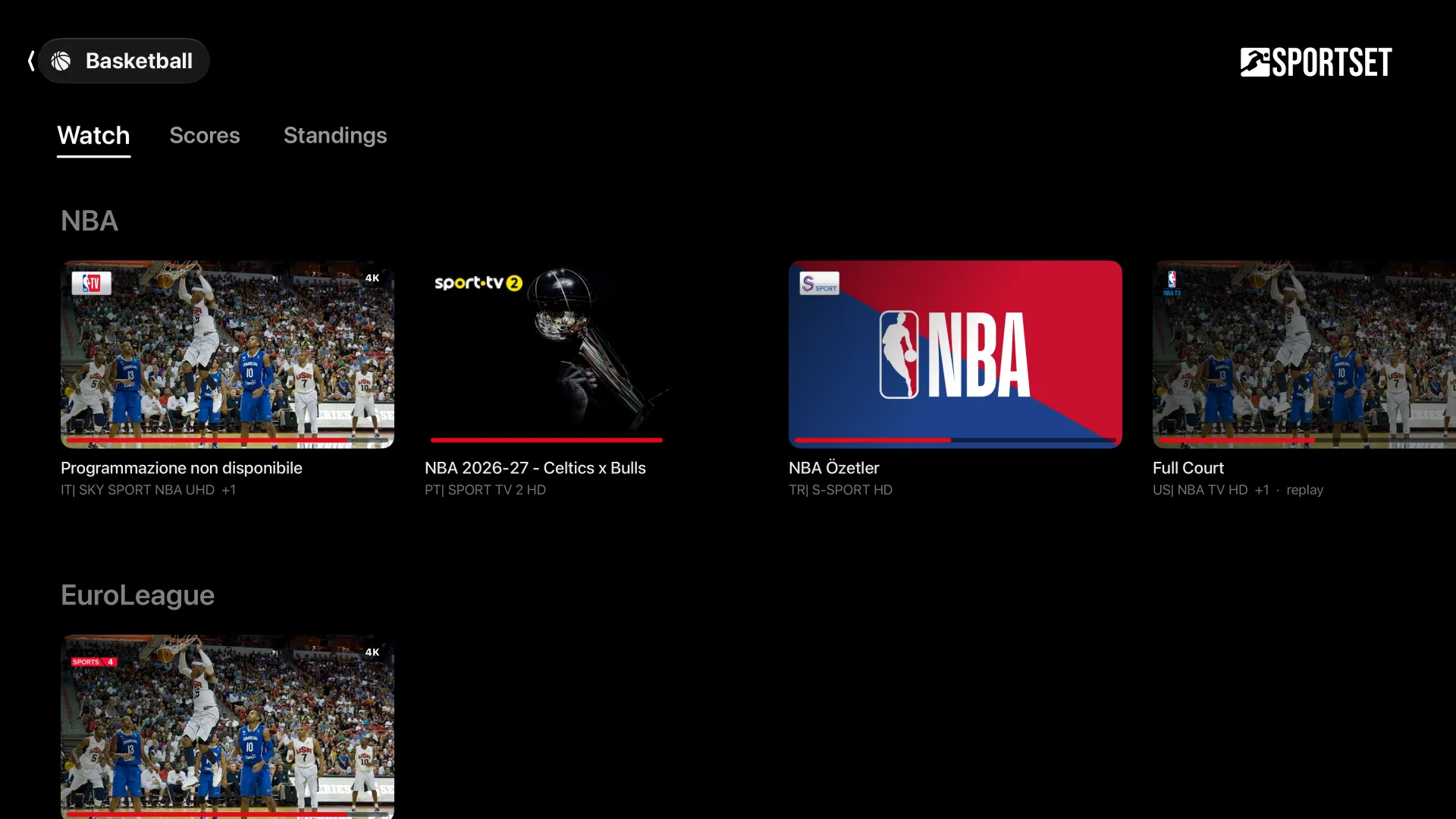
Football, tennis, Formula 1, snooker and the rest, in the order you want them. Each one gets a page of its own.
What the pages know
The broadcasts come from your playlists. Everything around them – scores, tables, draws and timing – Sportset brings itself.
Live means live
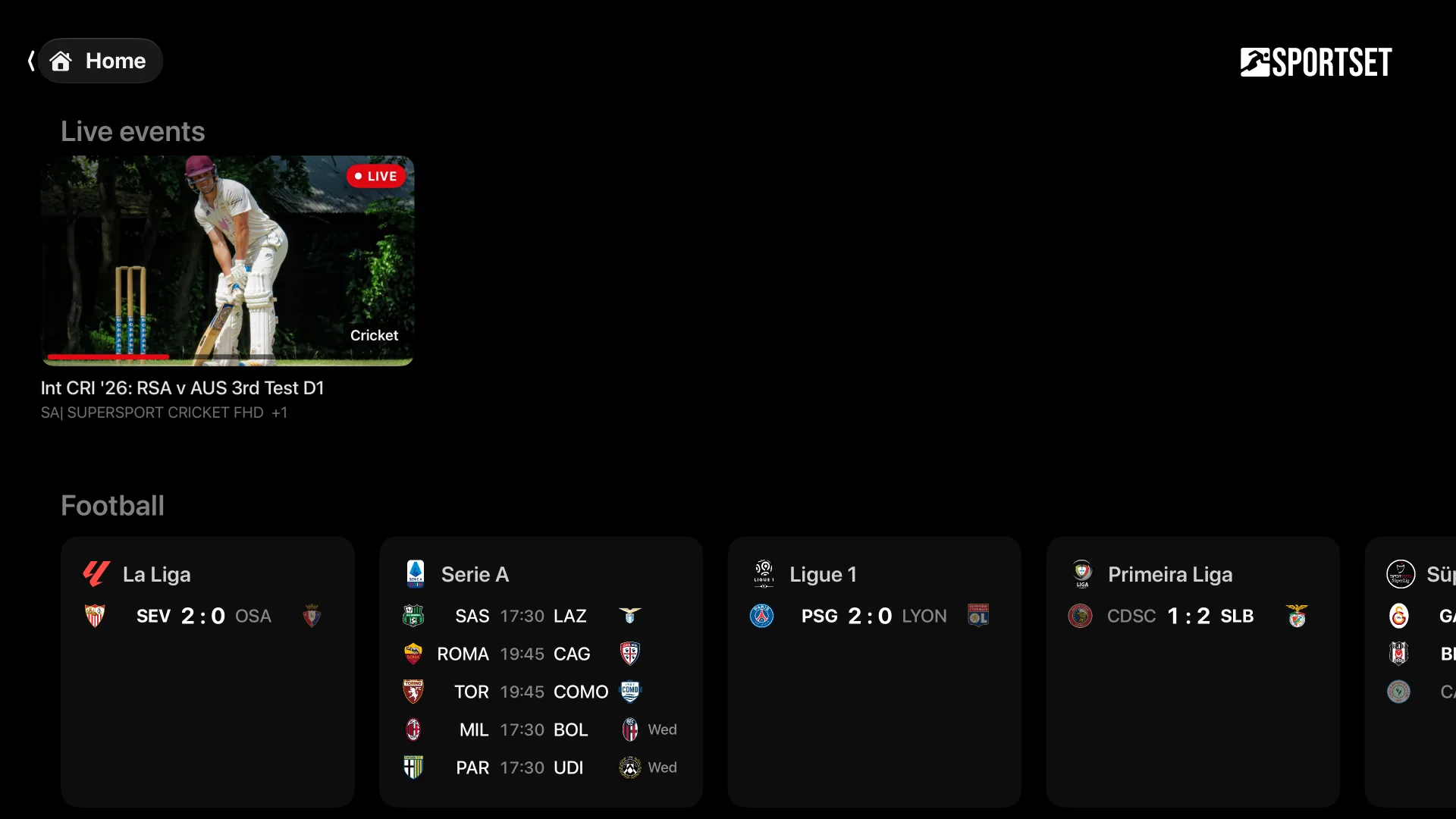
Home opens on what our sports data says is being played this minute, each with its live badge – never a replay. Under it, every sport you follow, with its scores.
The table beside the game
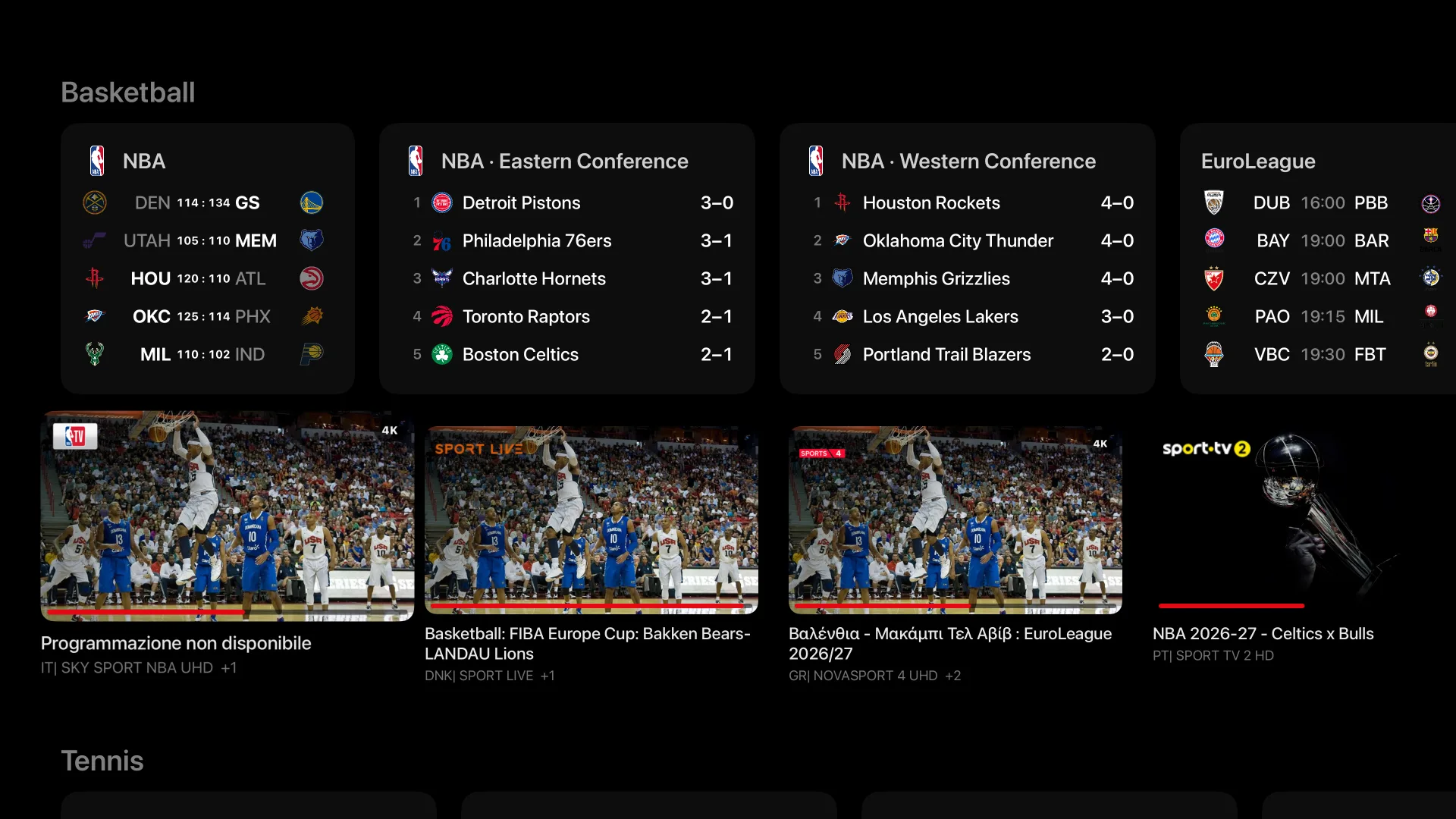
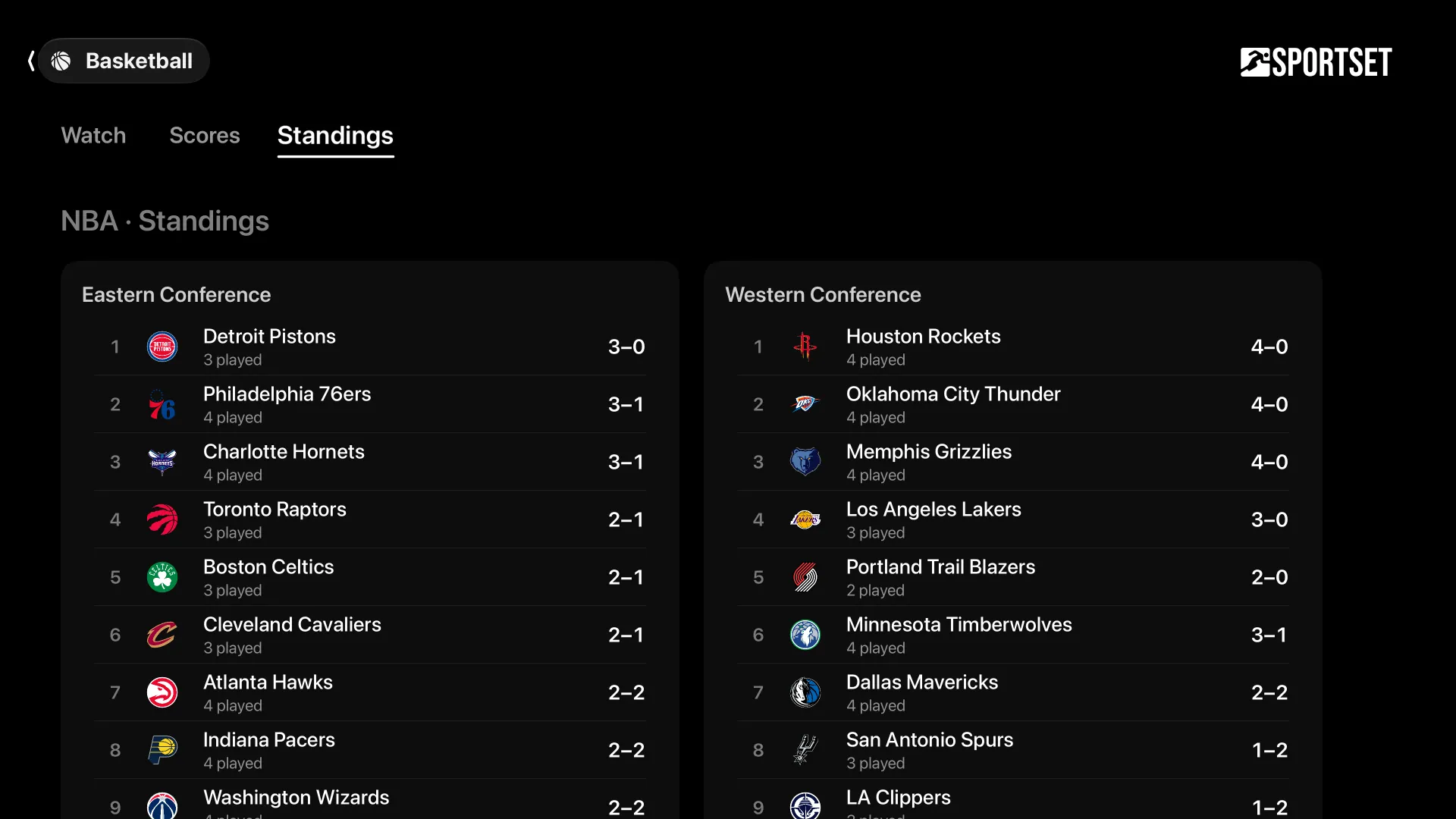
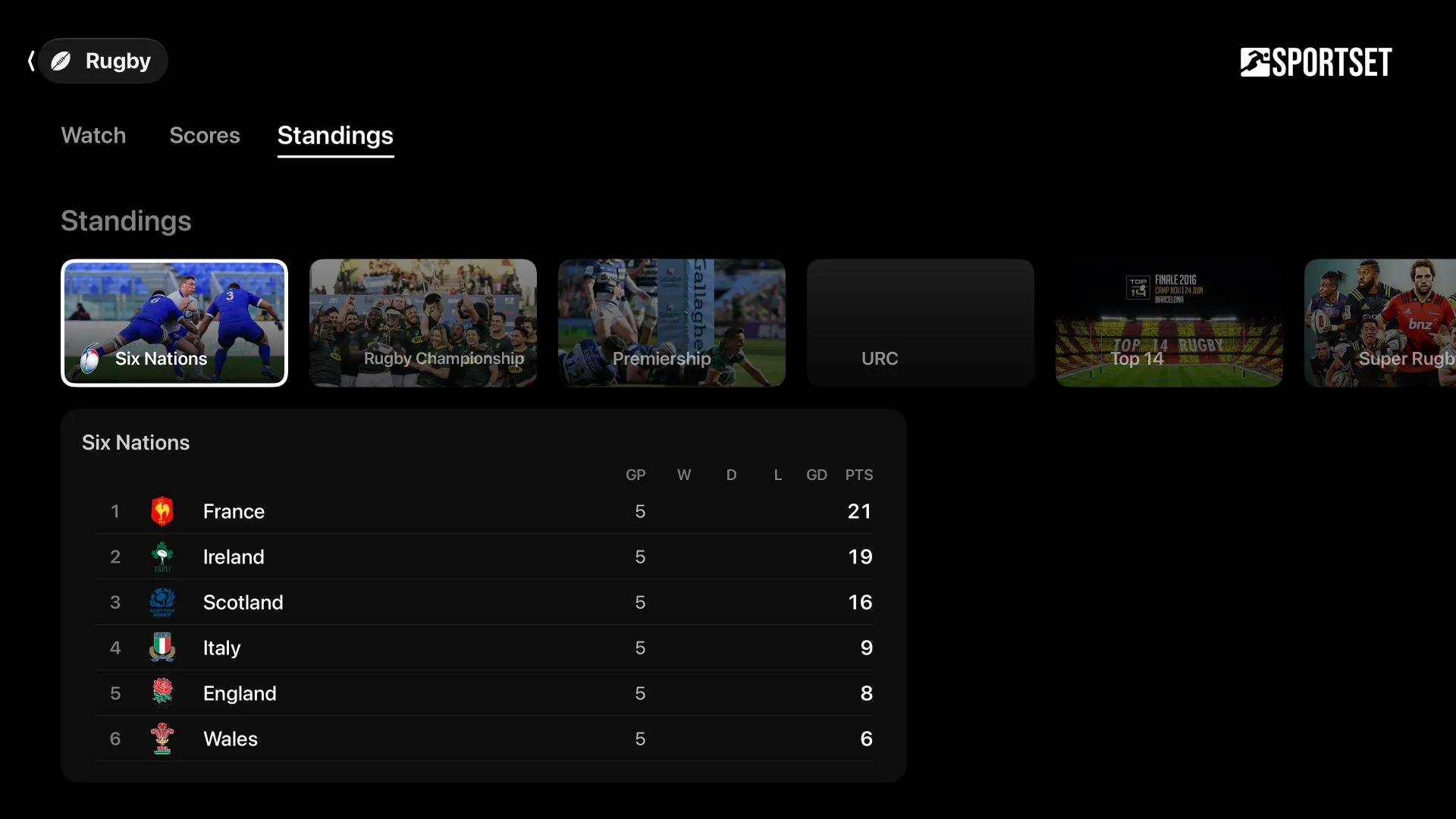
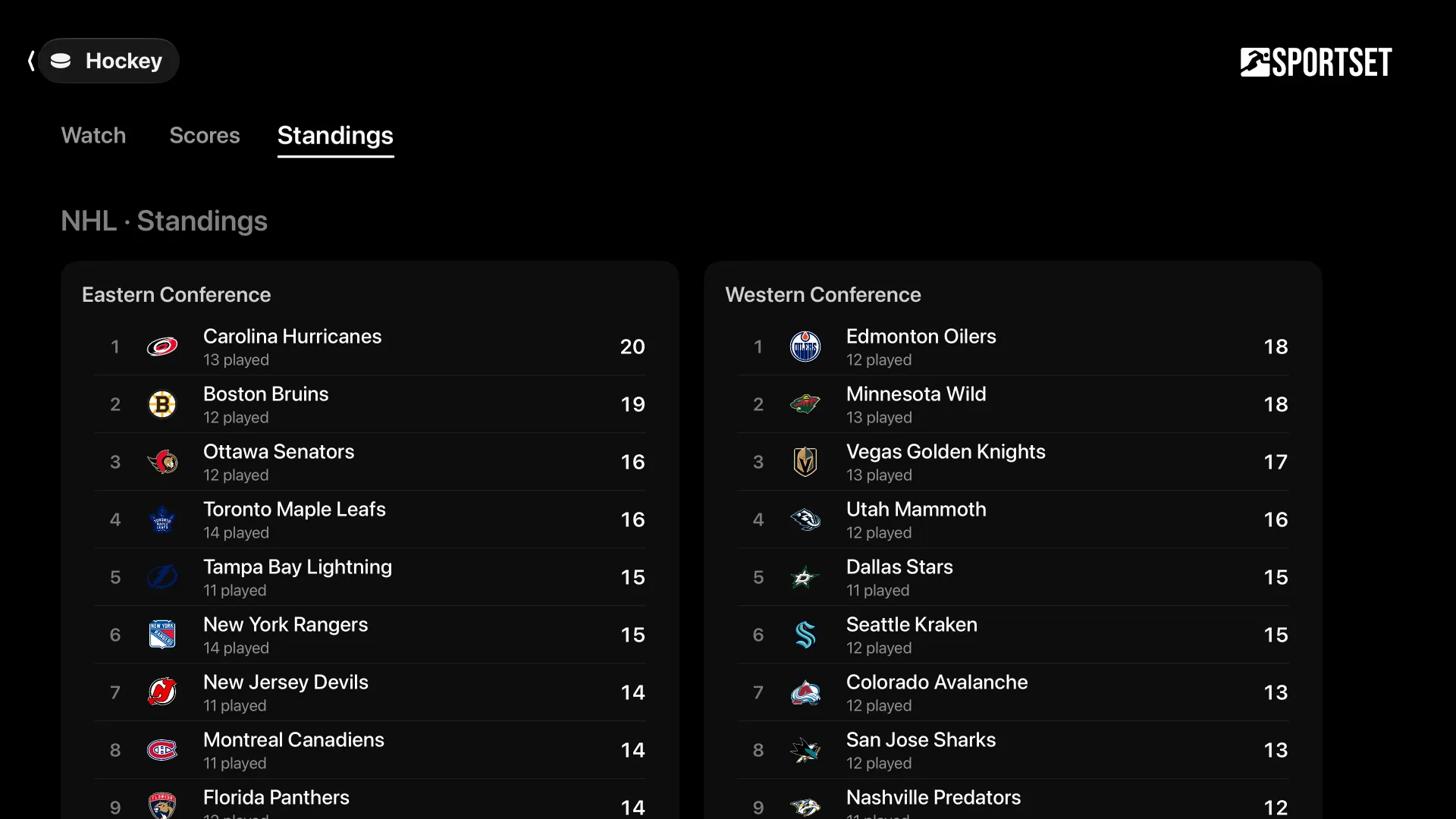
Follow a league or two and its standings sit right beside its results – the NBA's conferences, the NHL's, your football league's table.
Weekends, timing and draws
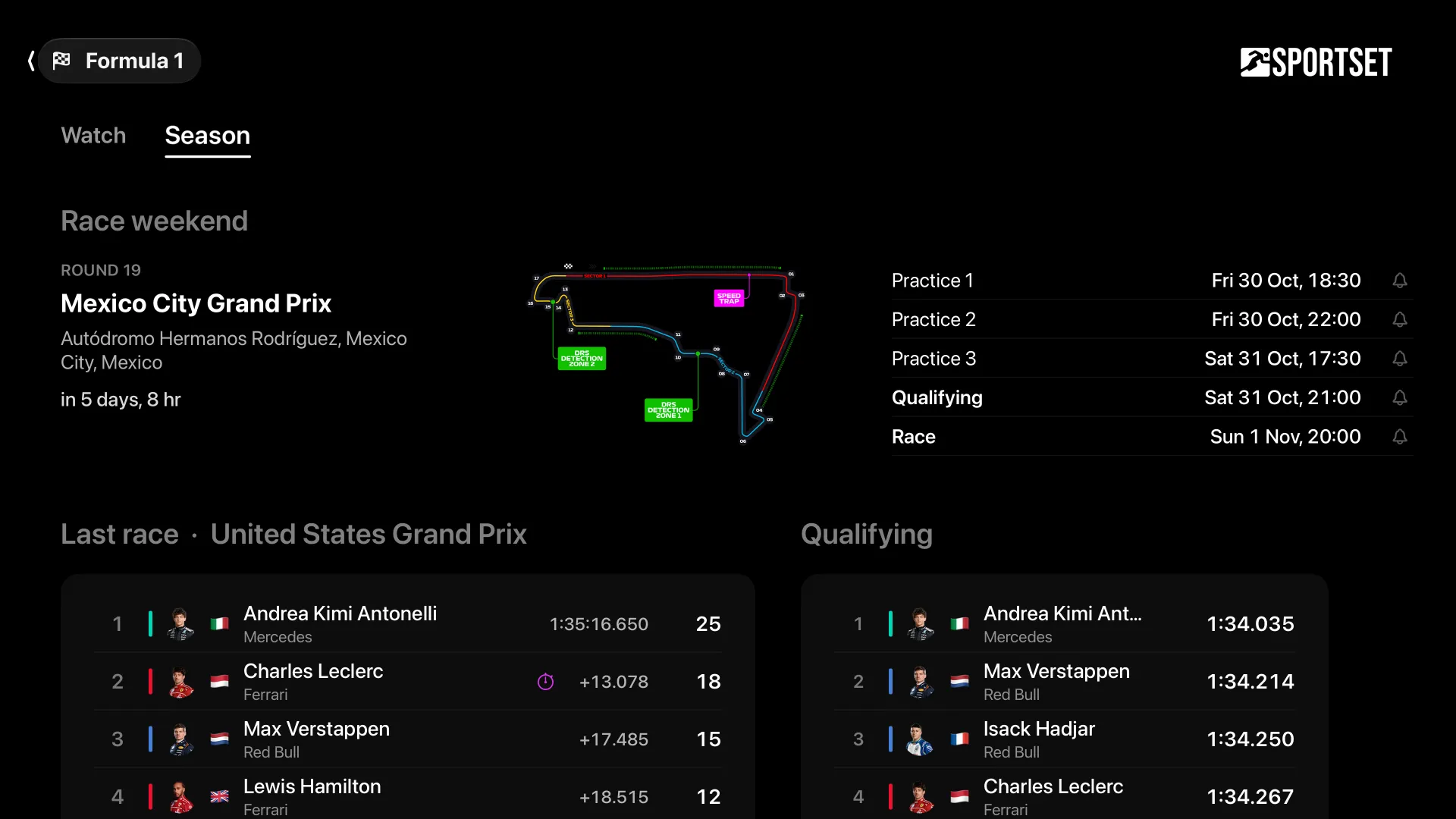
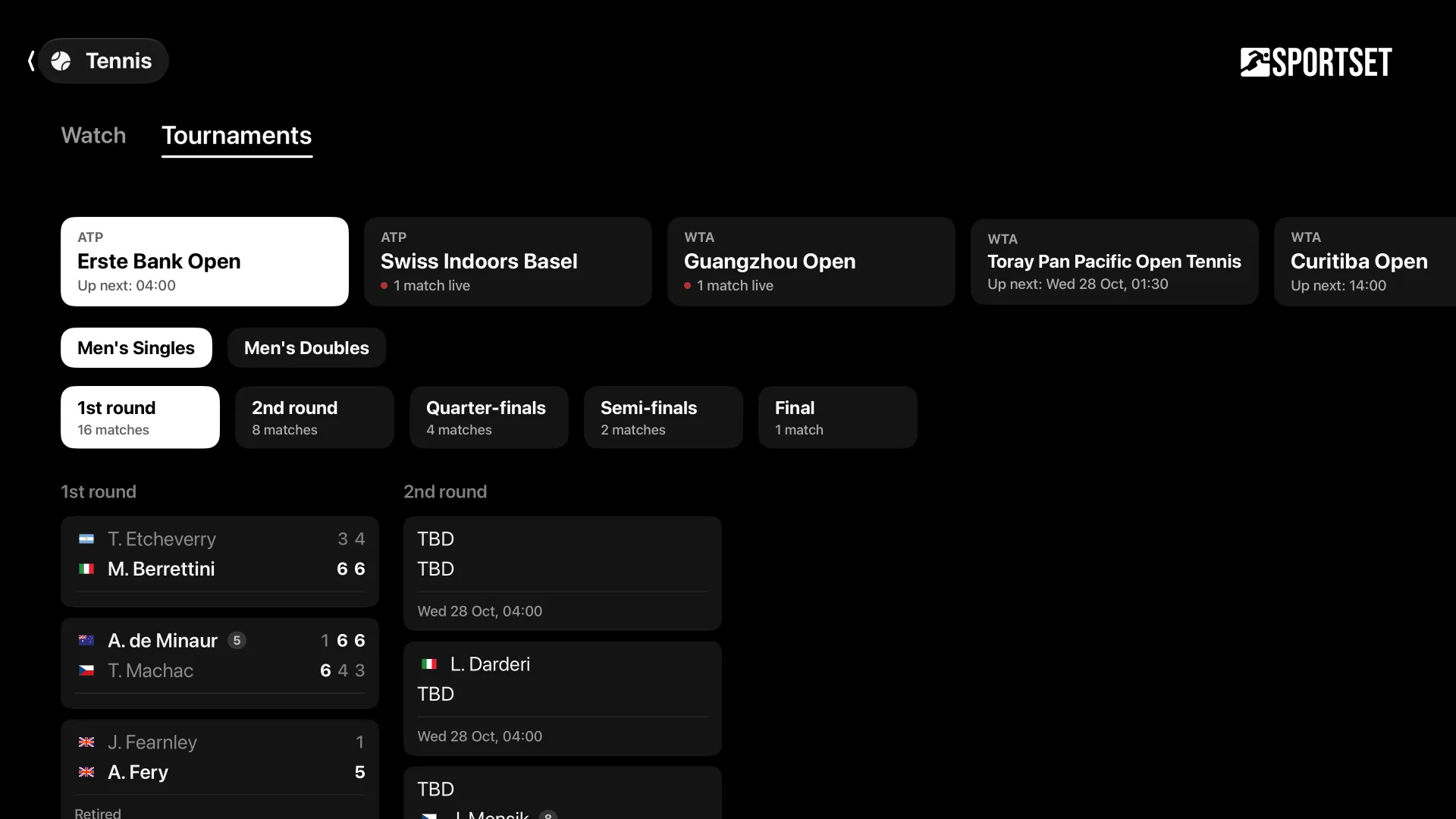
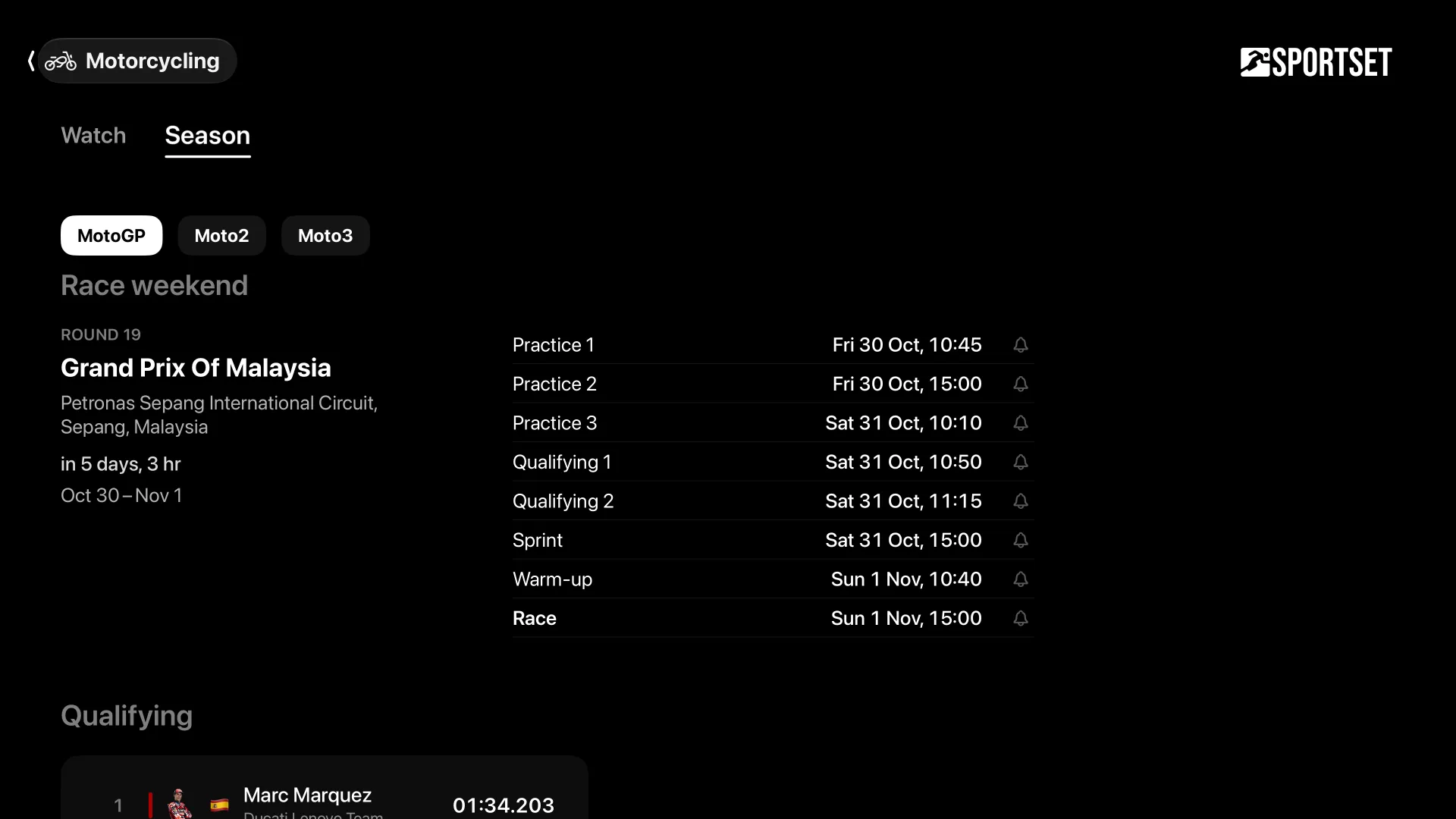
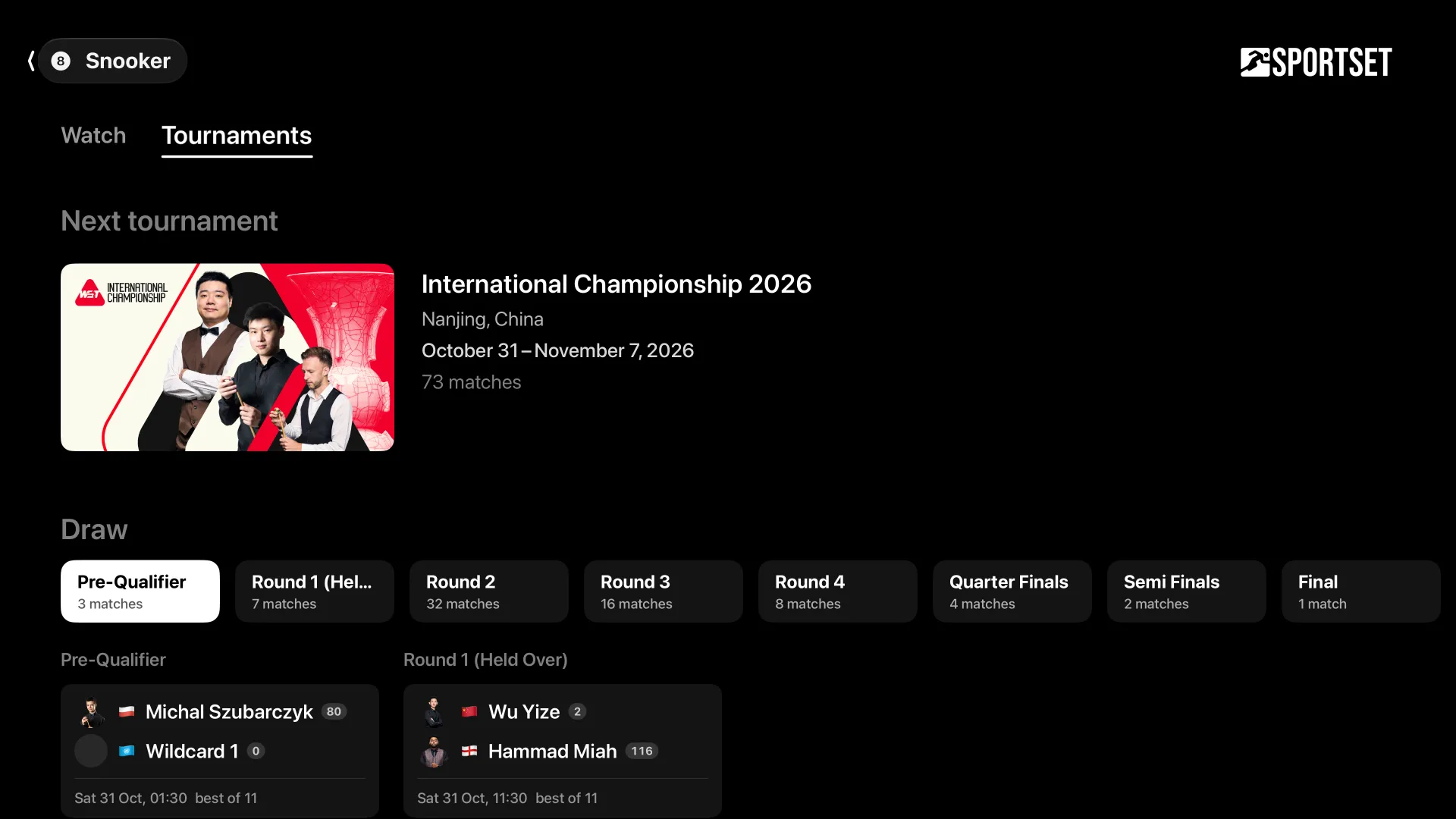
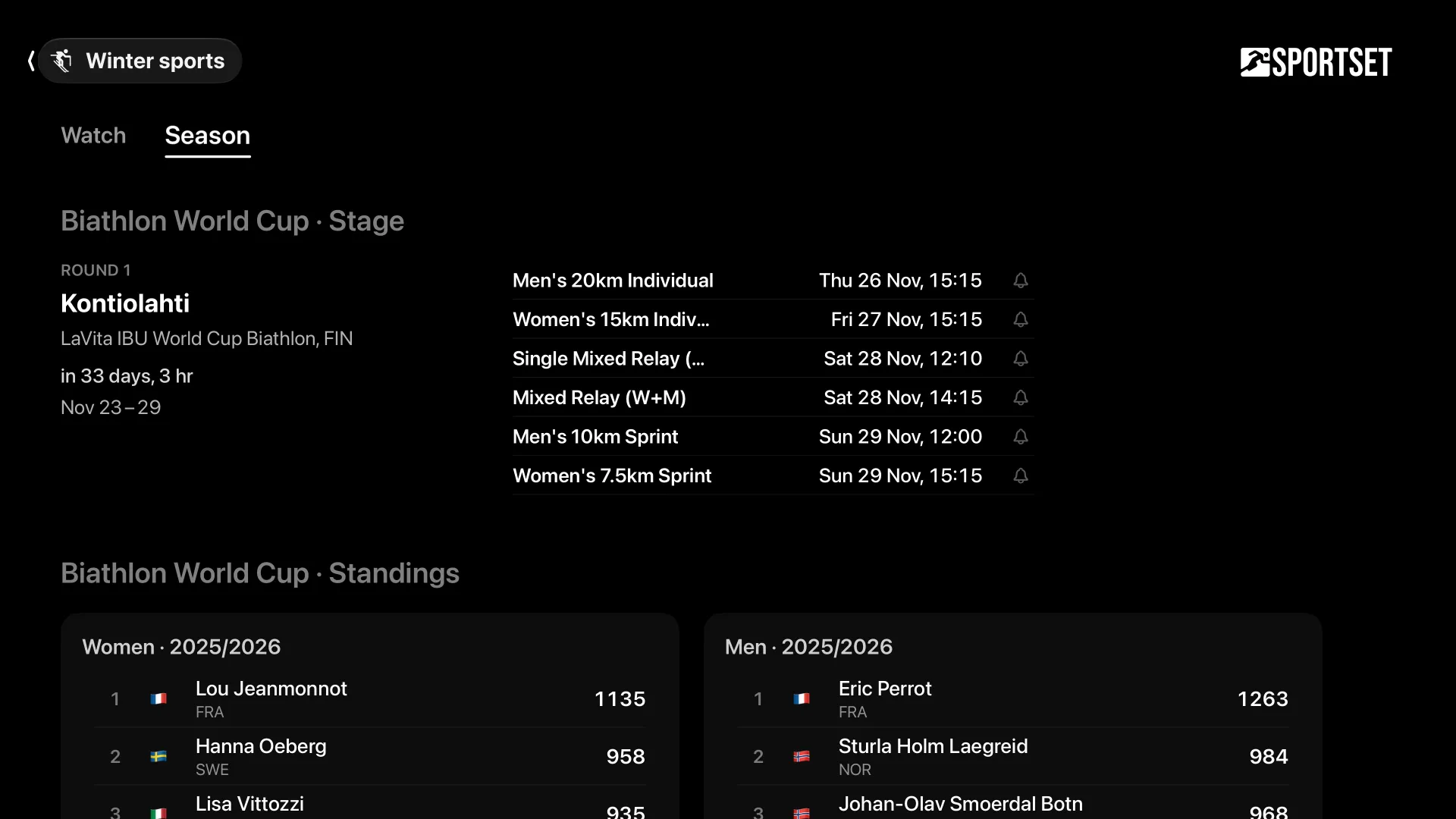
A race weekend with every session, the last result and both championships. A tennis tournament with its draw, round by round. A snooker table with its frames.
Every sport in its row
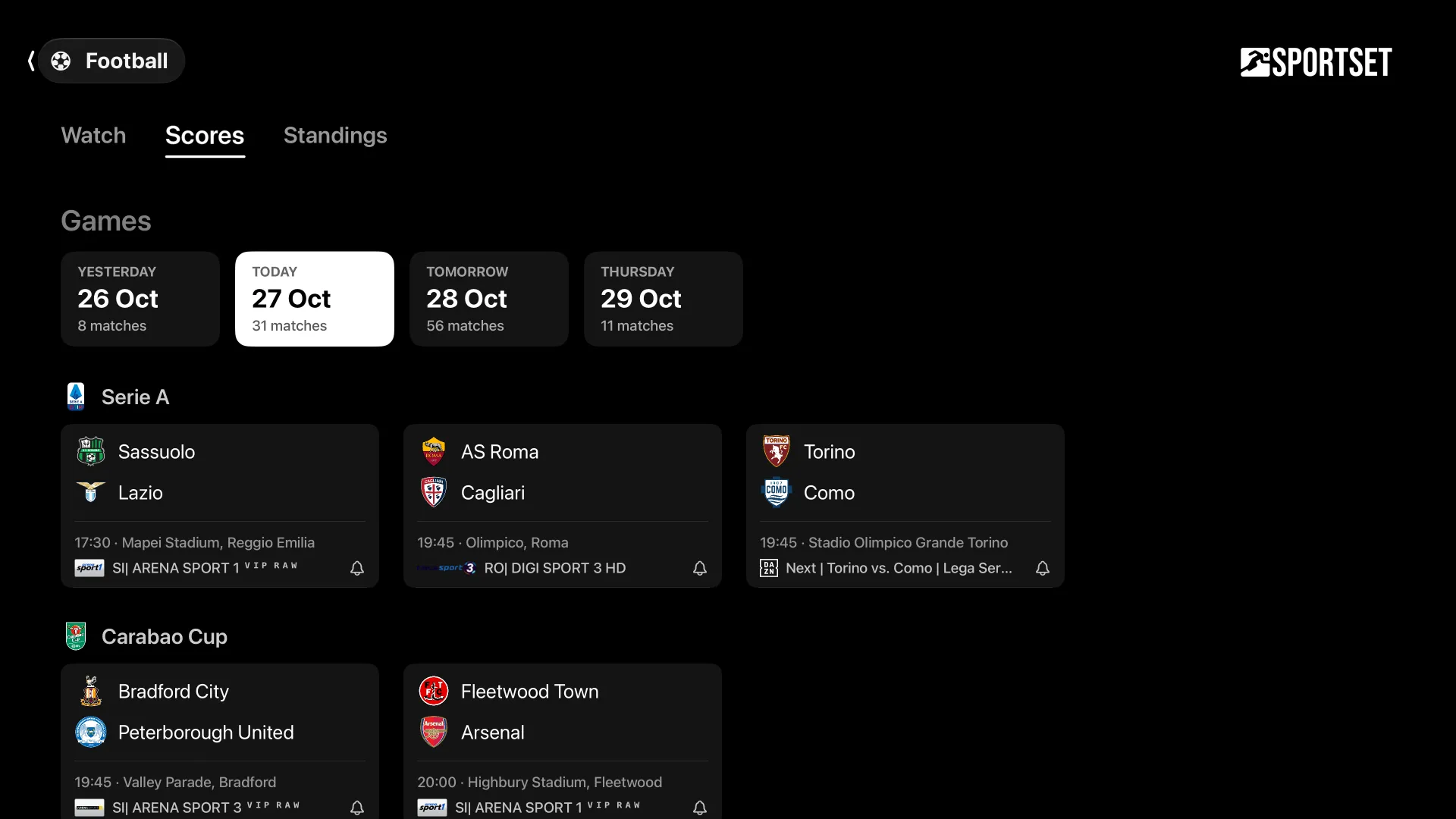
Competitions side by side, today's games first, then what follows. Pick one and you are on the broadcast that shows it.
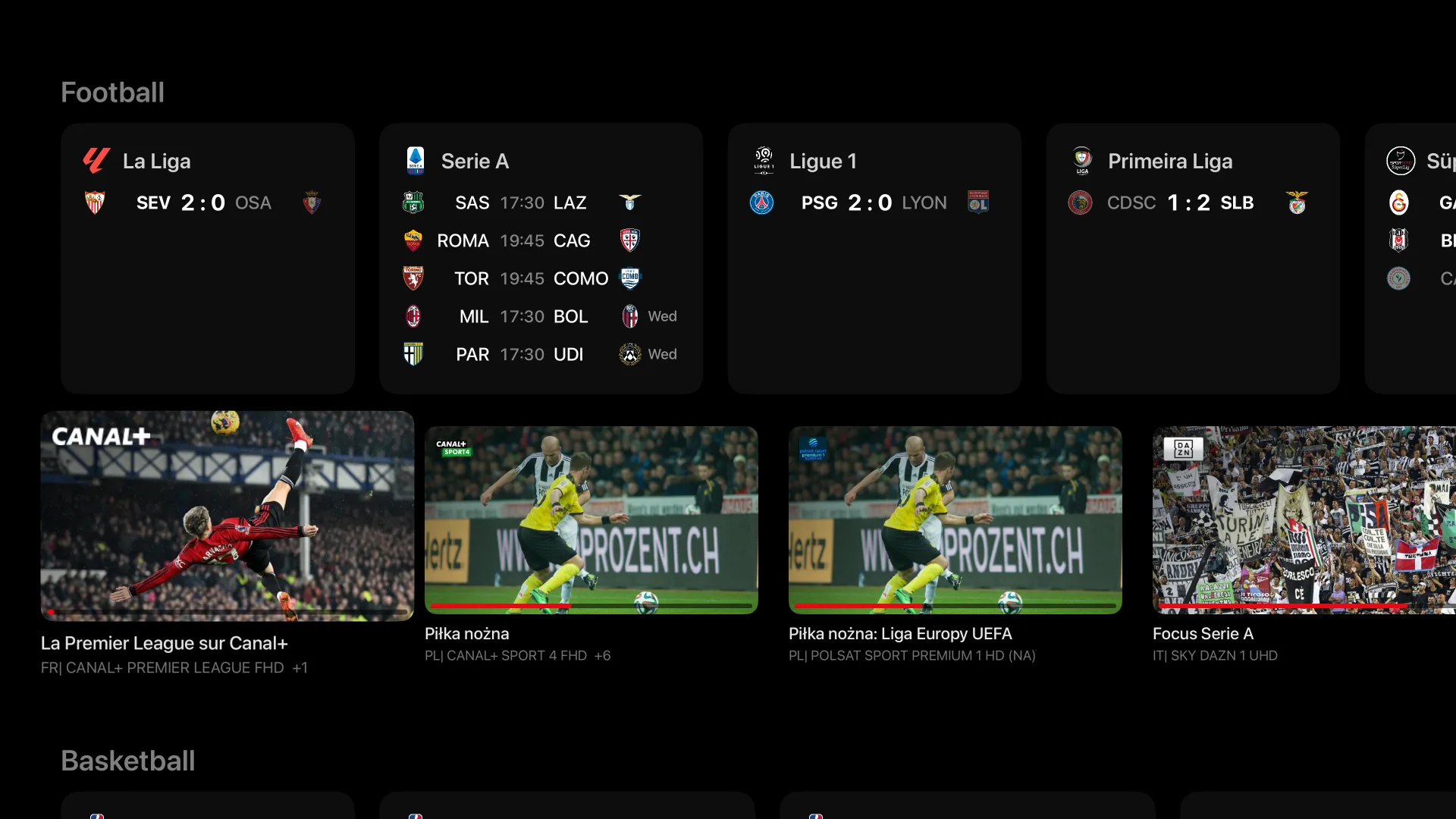
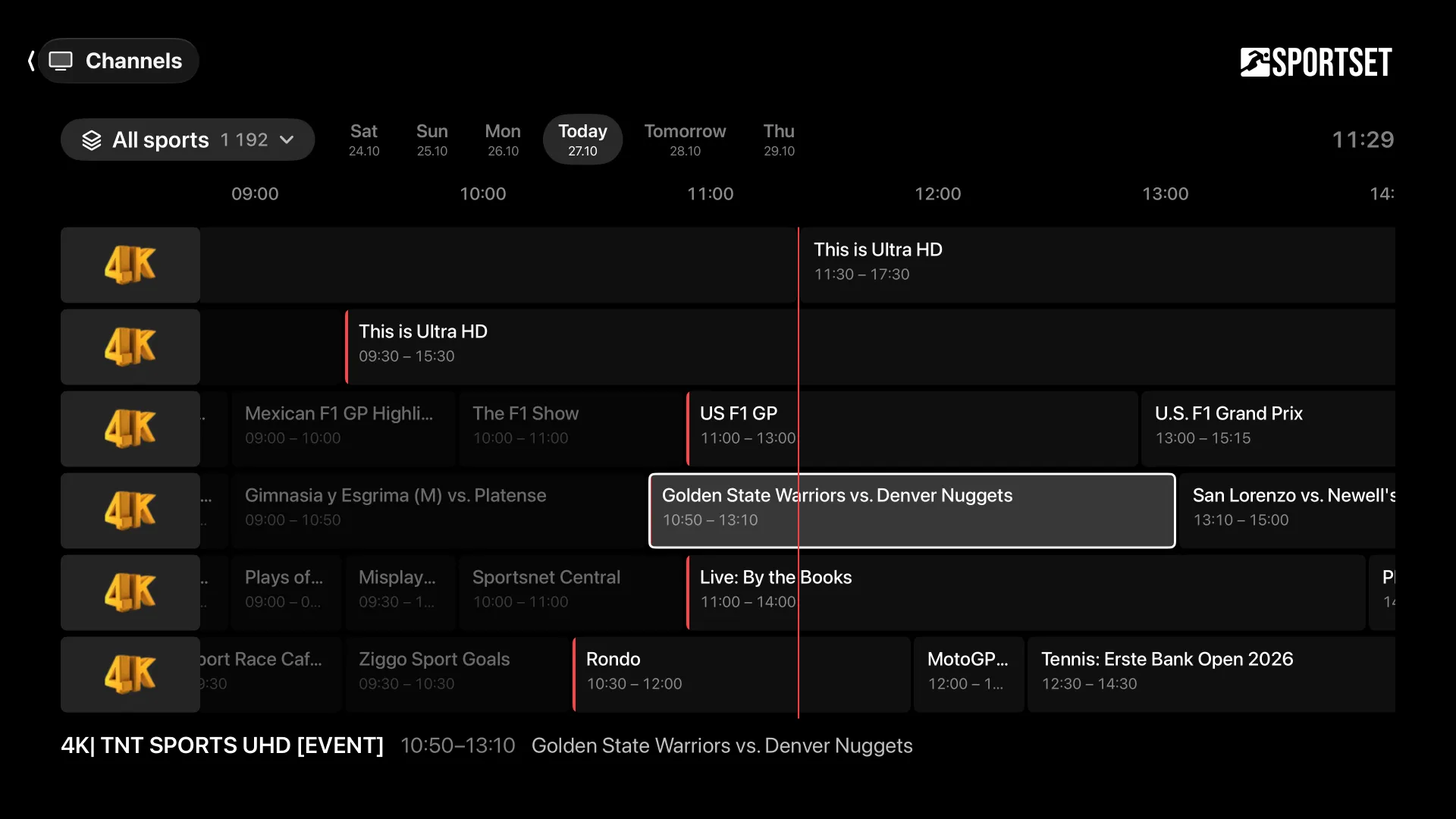
A guide of sport alone
Every sport channel from every playlist in one grid, a day at a time, a week back and ahead – the 4K feeds marked, the same channel on two playlists shown once.
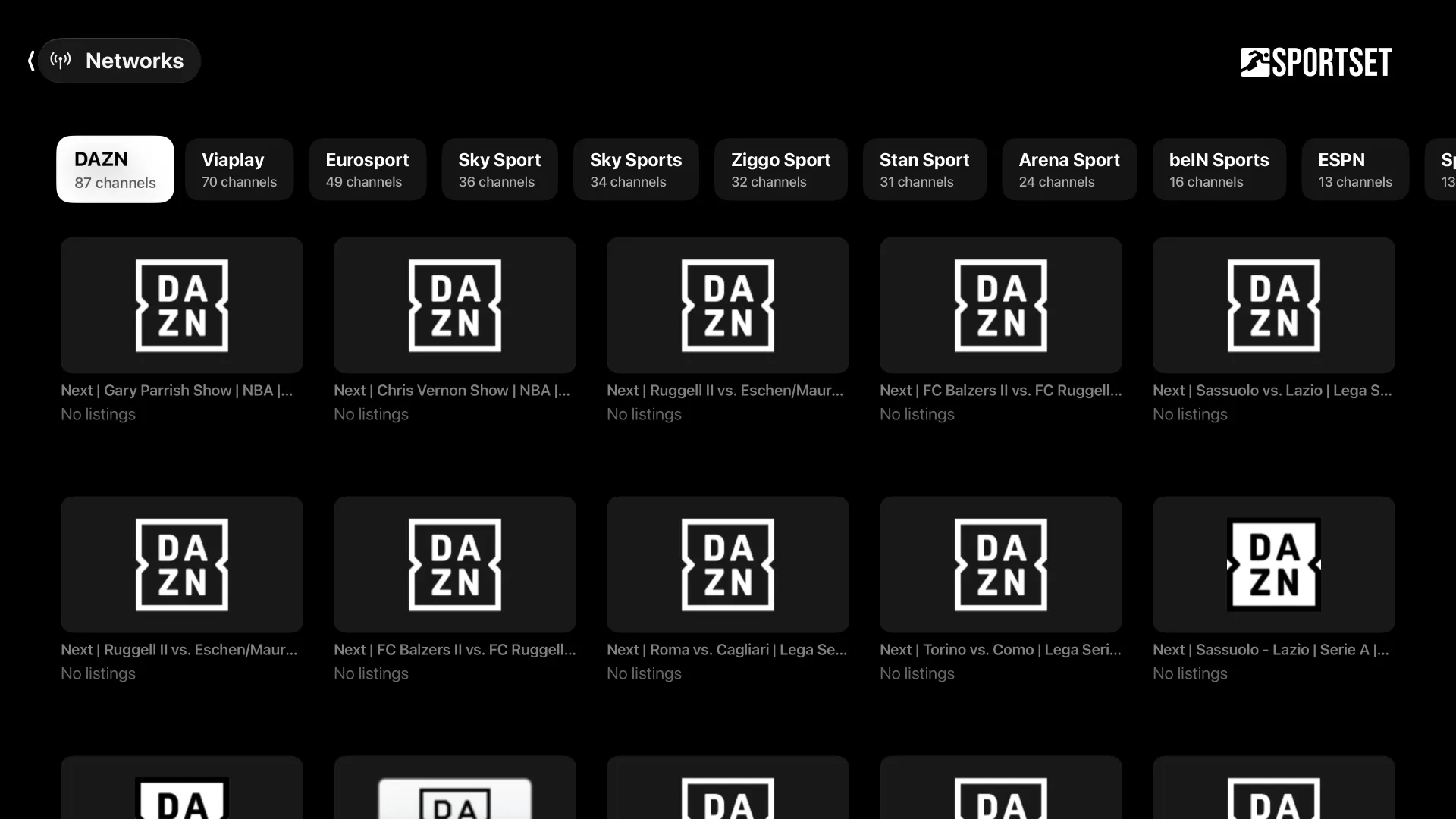
Every network together
All of a broadcaster's channels on one page, across every playlist, each with what is on and what comes next.
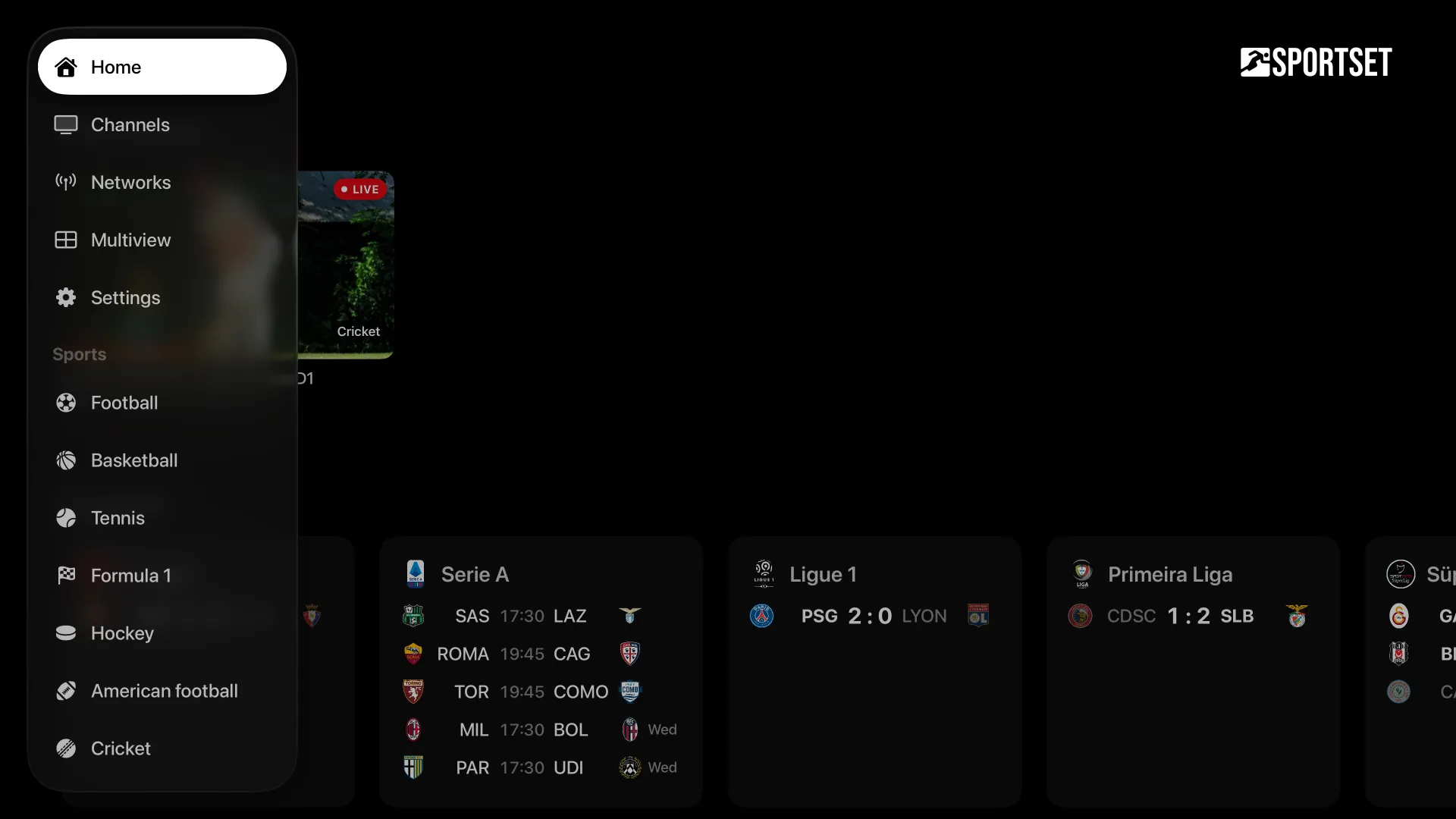
Your sports, in your order
The sports you follow line the sidebar in the order you set, each a page of its own – with the guide, the networks and Multiview a press away.
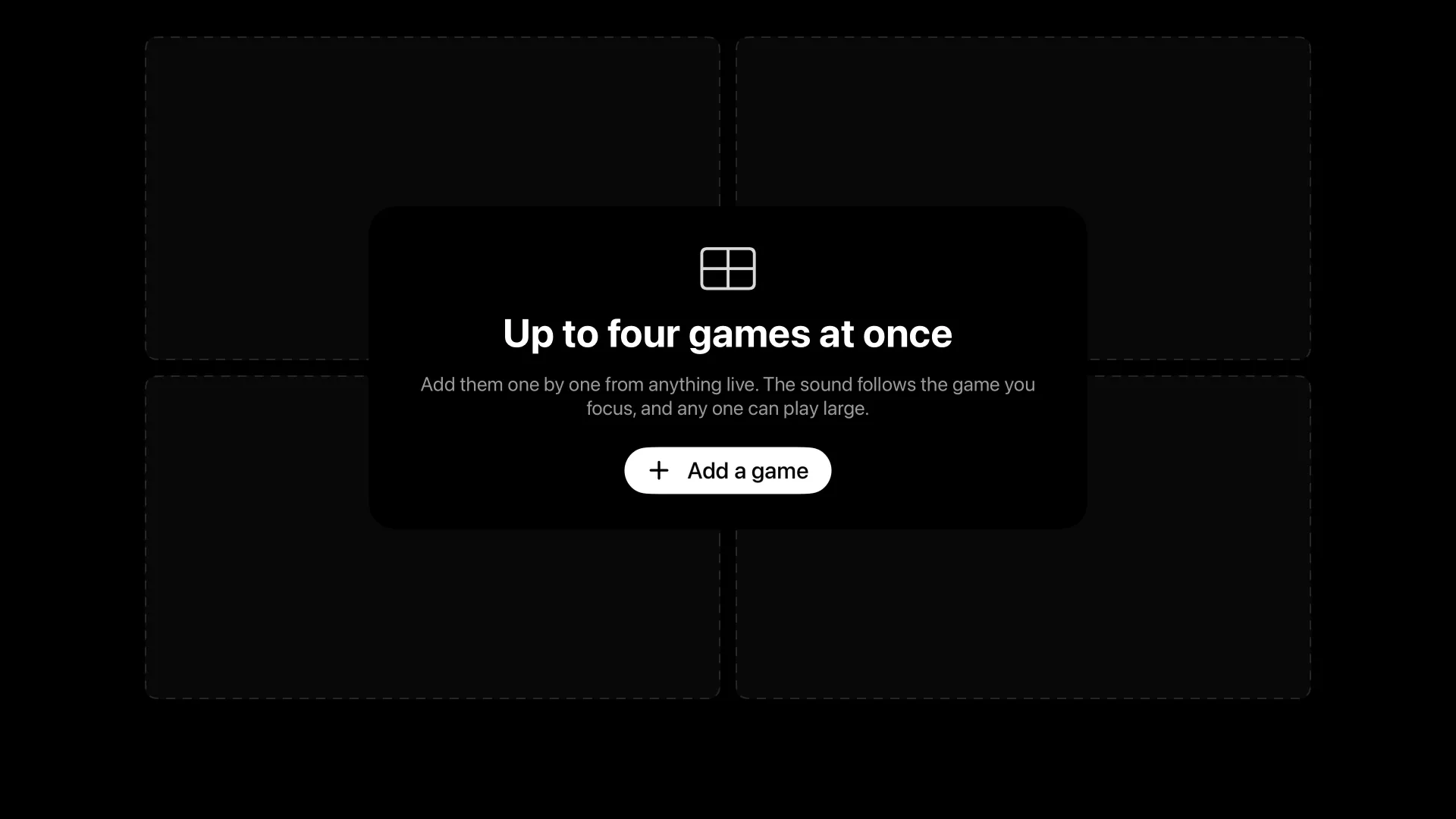
Four games at once
Multiview puts up to four live games side by side. Add them one by one from anything live, make one large, and hear the one you are looking at.
The tournament over the picture
Press the trophy while you watch and the draw, the table or the timing comes up, the game still playing in the corner.
Never miss the start
A reminder on anything still to come. When it starts, a banner appears, and Play switches to it.
Back to the start
Where your playlist keeps an archive, start a game from the beginning or play the one you missed.
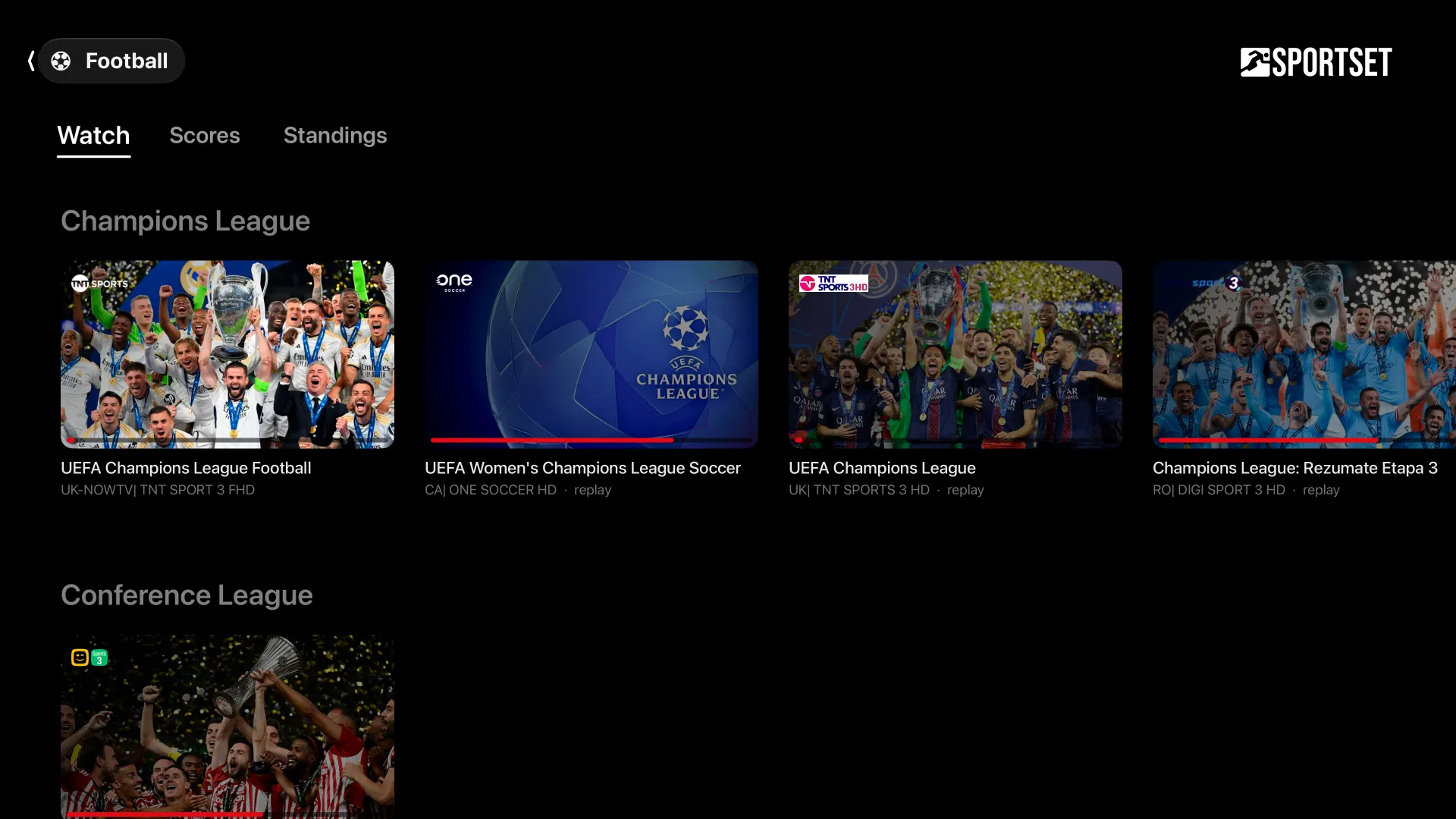
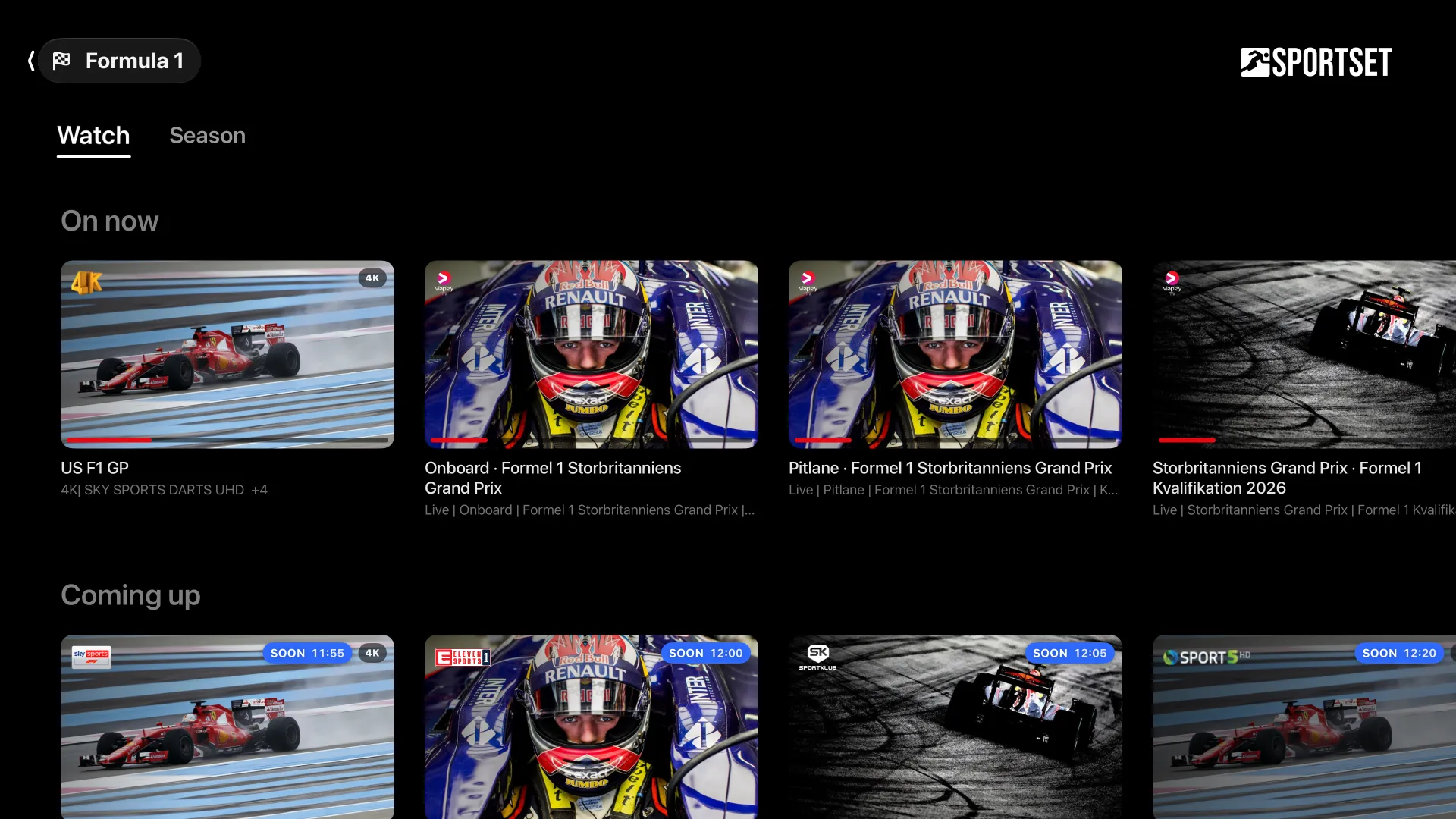
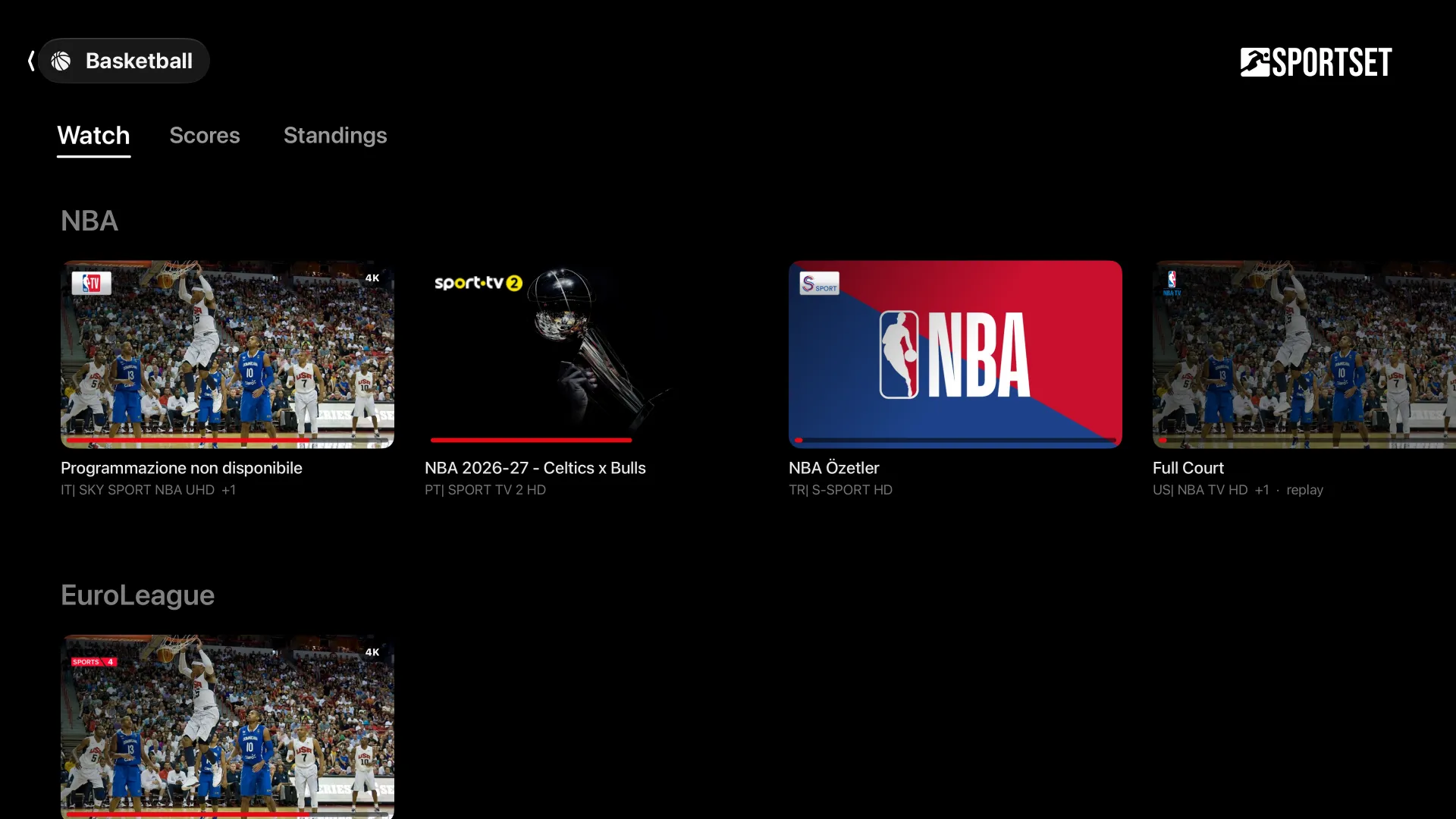
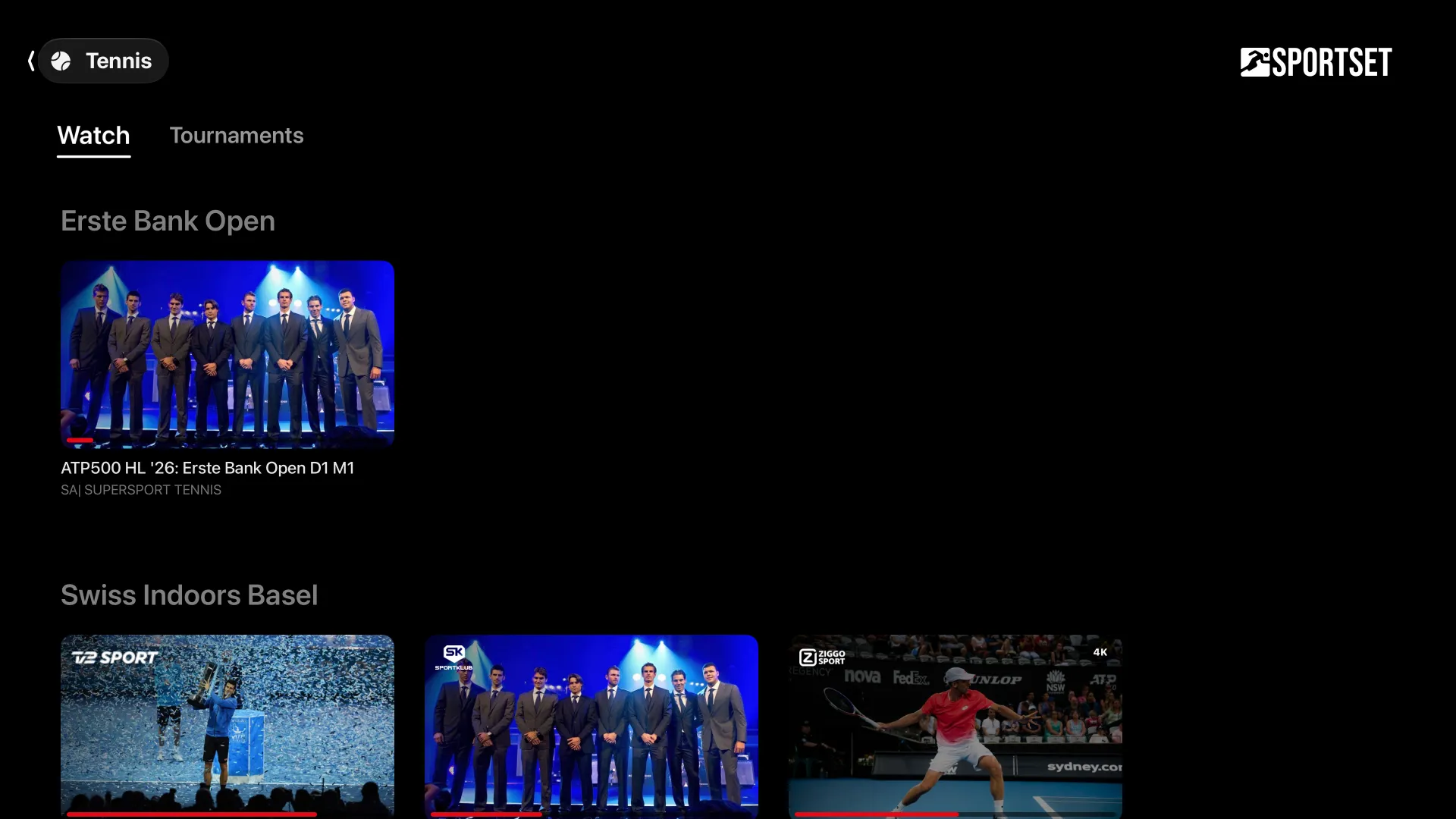
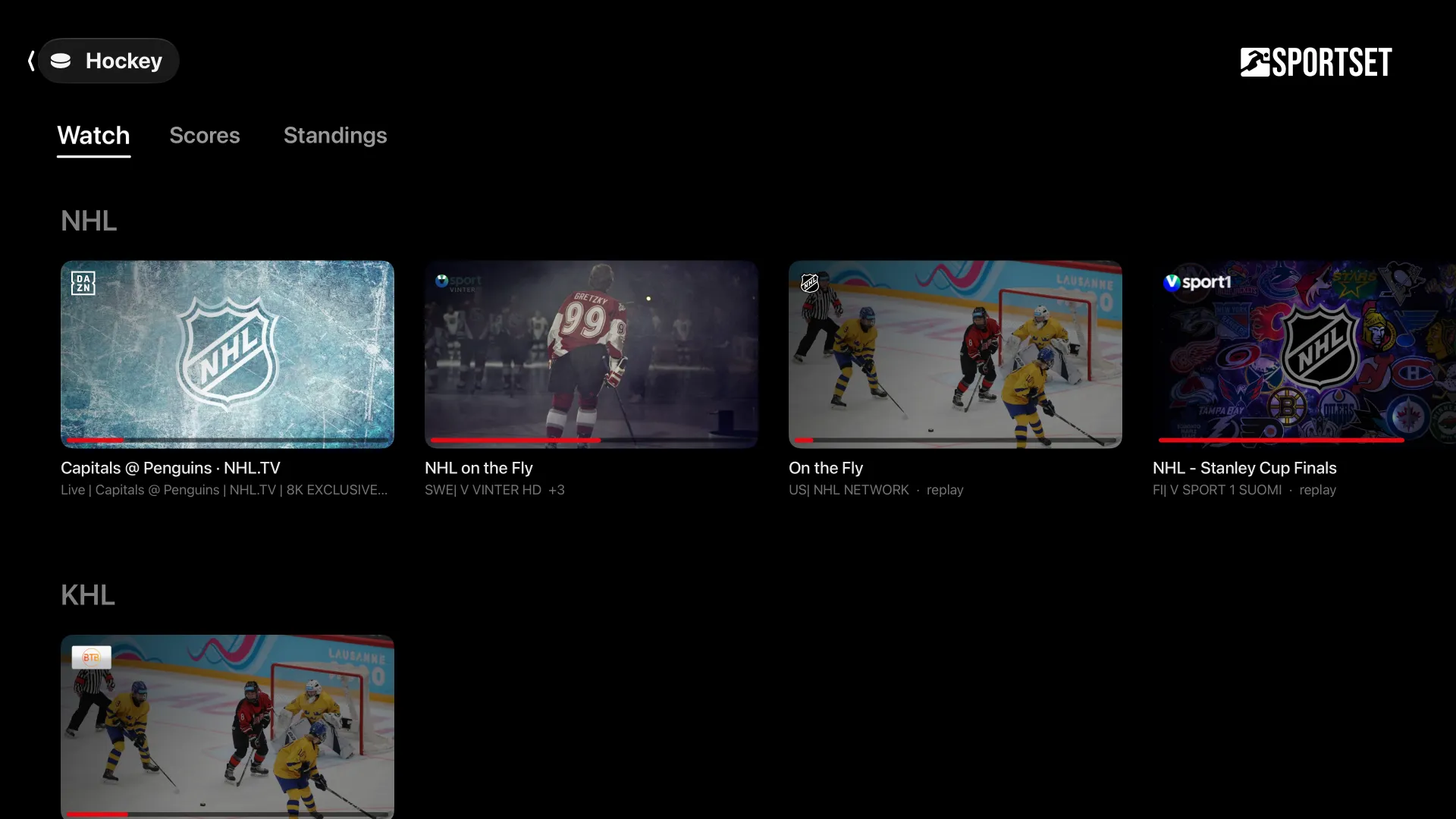
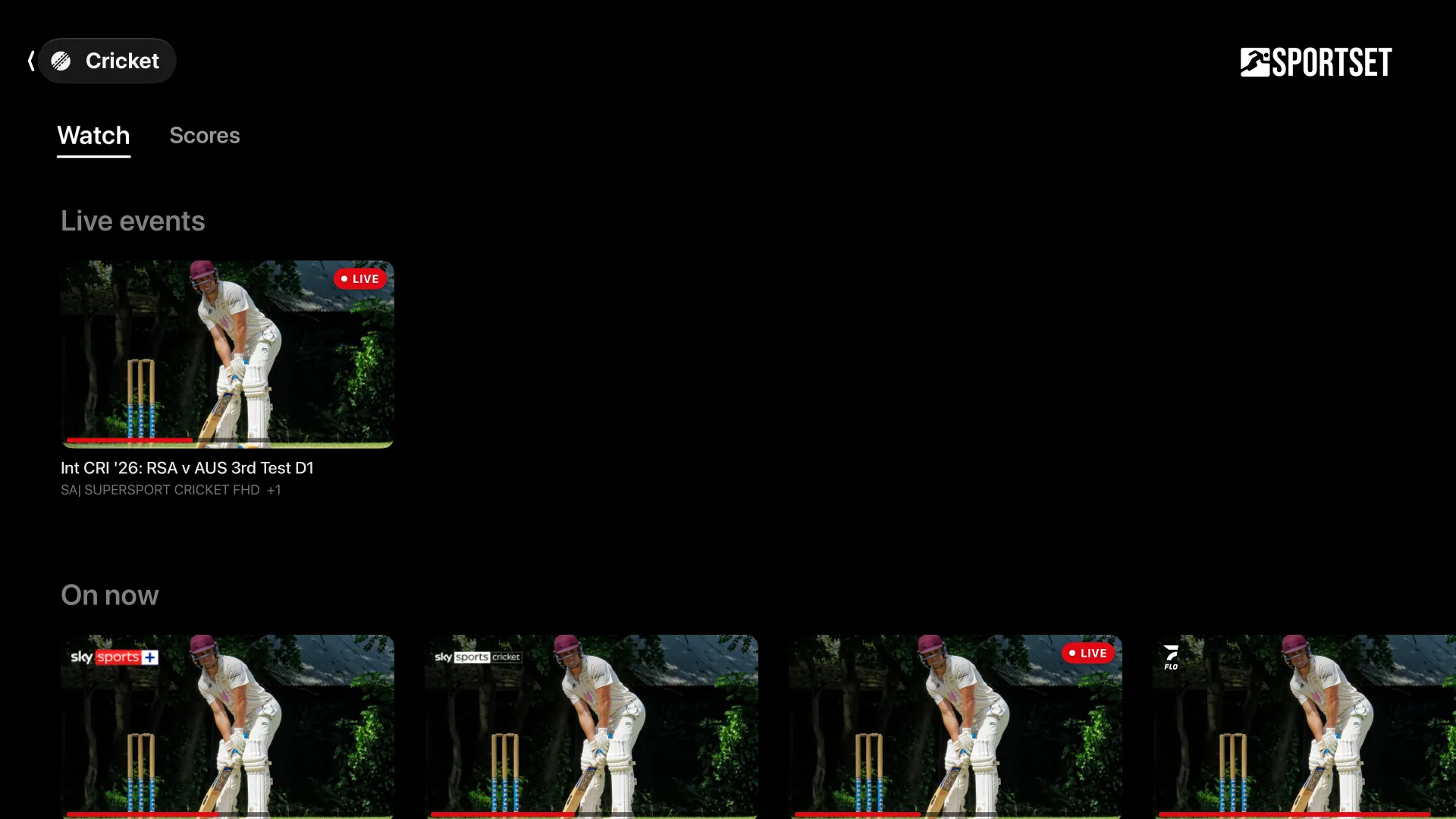
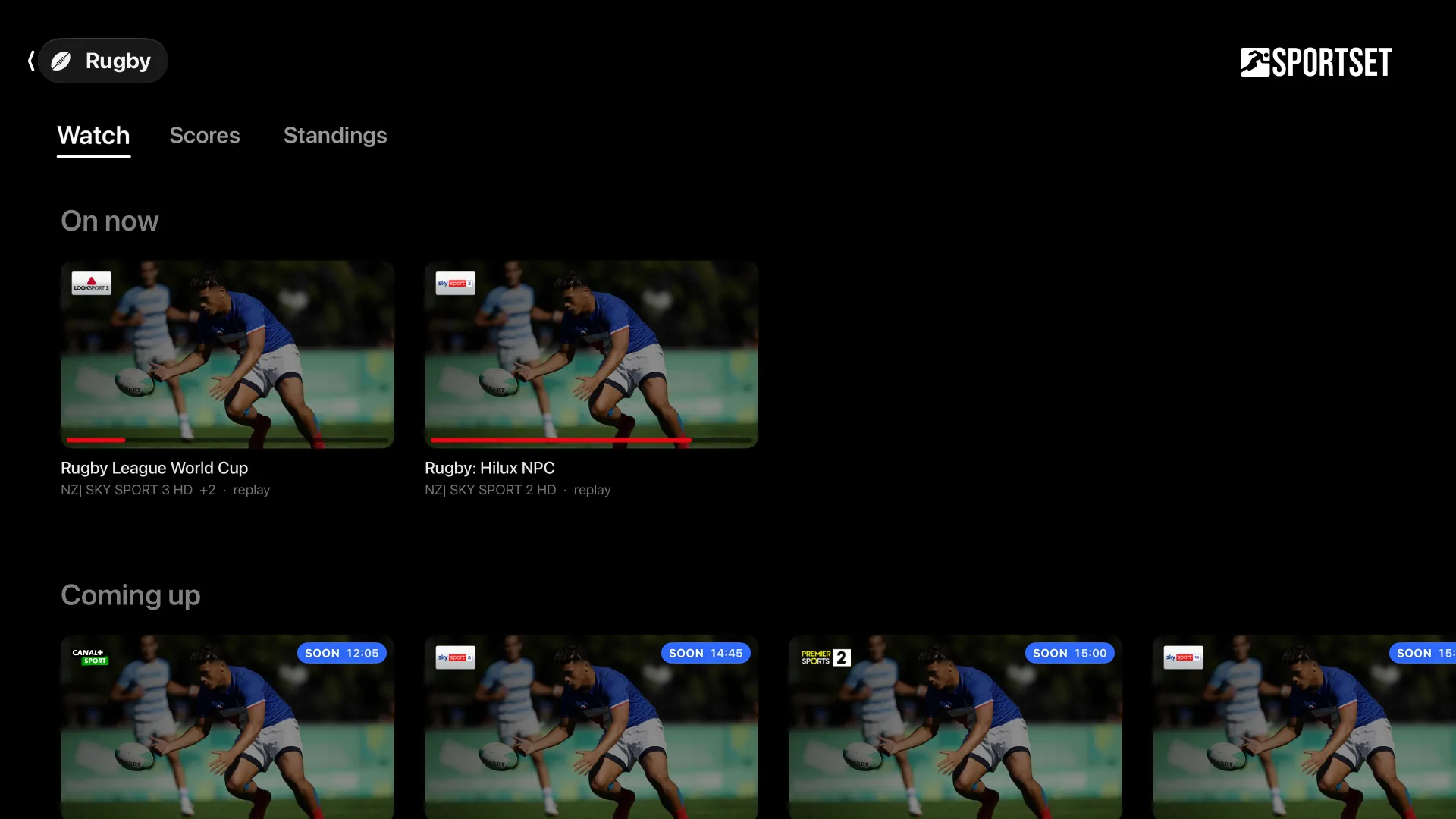
Every sport, its own page
Live now, then each league or tournament with something on, what is coming up and the archive – with the sport's own data a tab away.
Without leaving the game
Two drawers slide over the picture from its edges, and the game plays on behind them.
What's on, from the left
Swipe in from the left and every broadcast of your sports is there – live by our data first, then what is on now, coming up and earlier. All sports at once, the live events alone, or one sport at a time. Pick one and the player switches to it.
The guide, from the right
Swipe in from the right for the channel's own schedule, day by day: yesterday's games to play back from the archive, what is on now as it ticks, and the rest of today and tomorrow to read ahead – with a reminder on anything still to come.
The sport's own data, a tab away
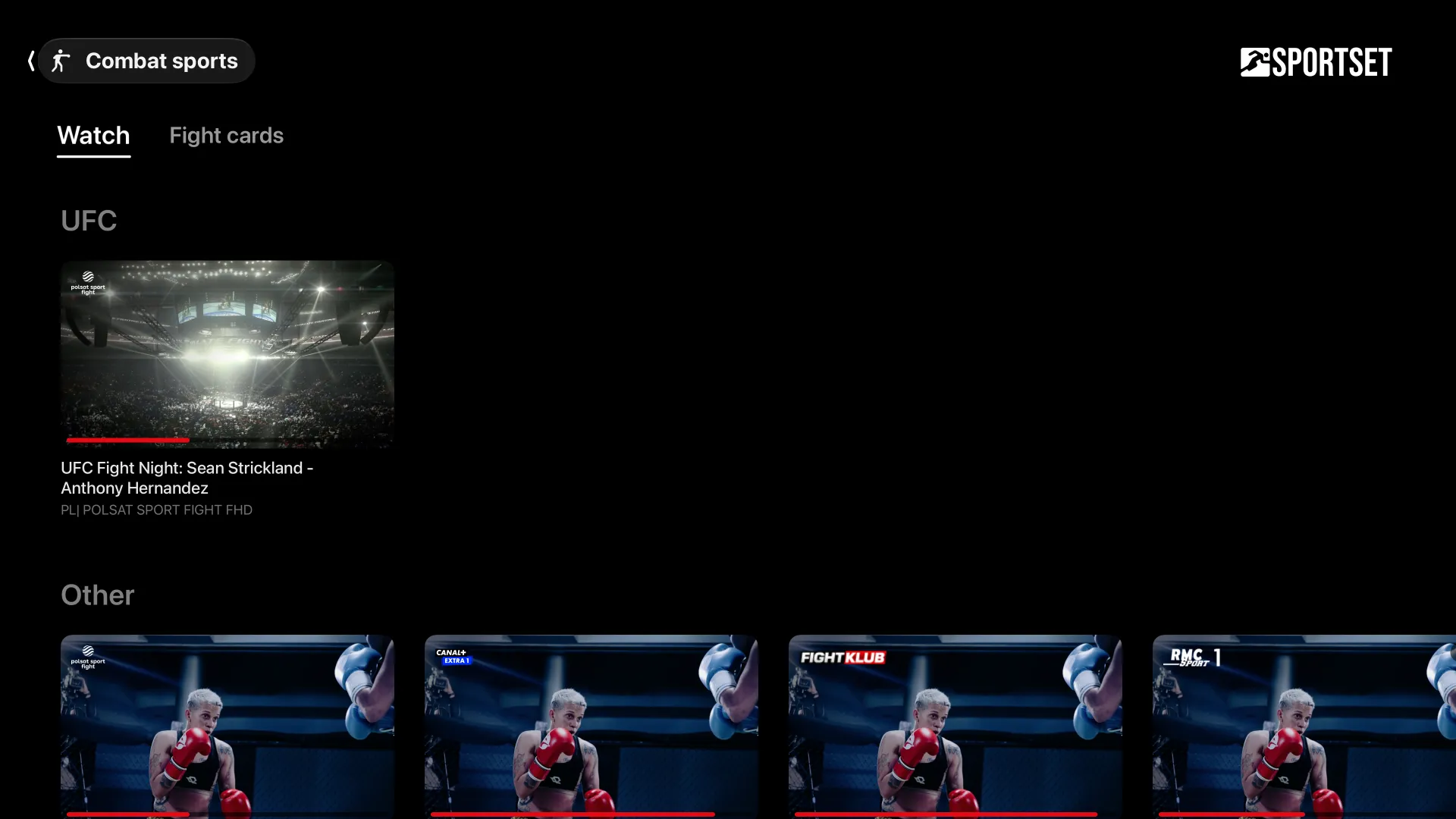
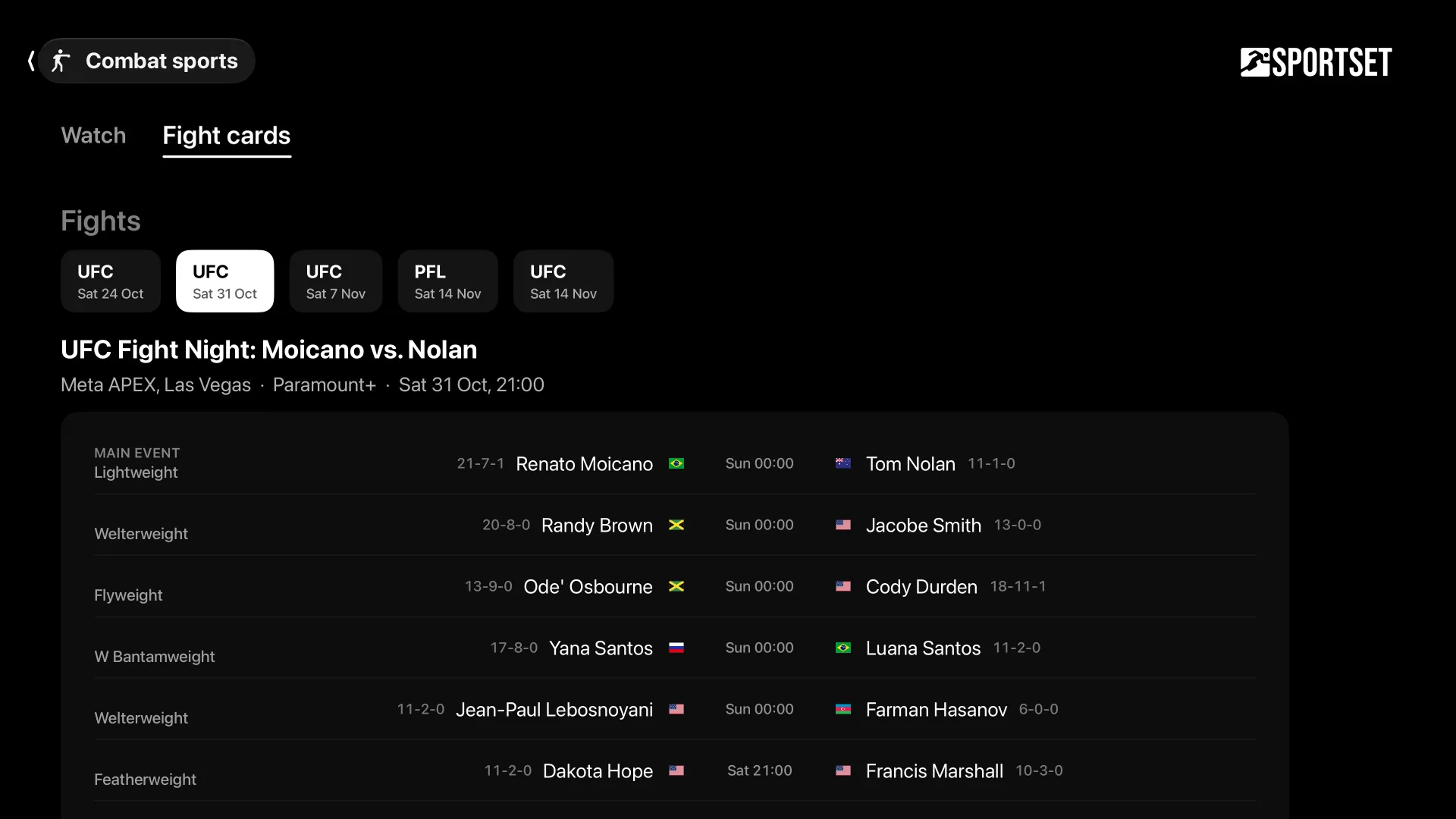
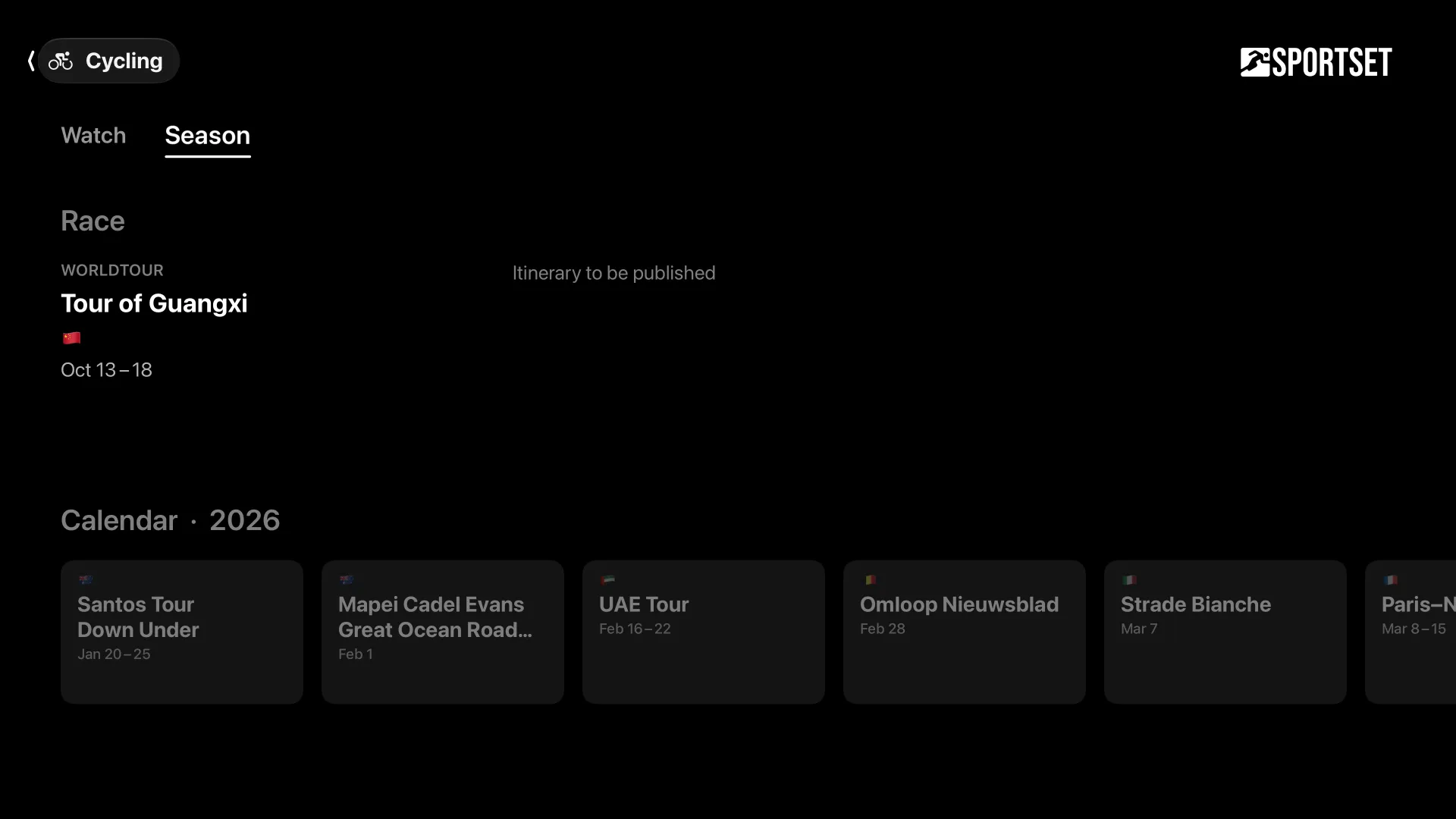
Results by day, tables and conferences, draws round by round, race weekends with their sessions and timing, fight cards – beside the broadcasts that show them.

Your playlists stay yours
Playlist addresses and passwords live in your Apple TV's keychain. Streams and guides go straight from your screen to your provider and never pass through us.
Sportset is a player. It comes with no channels and no playlists – bring your own.
iPhone and iPad are next
The same pages, the same player and the same playlists, sized for your hands. Coming soon.
Questions
What is Sportset?
Sportset is a sports player for Apple TV. It reads your own IPTV playlists, keeps only the channels that carry sport and lays their programme guide out by sport – what is live now, what is coming up and what you can still watch back – with live scores, tables, draws and timing beside the broadcasts.
Does Sportset include channels or a TV subscription?
No. Sportset is a player and comes with no channels and no playlists. You add the playlists you already have from your IPTV provider.
Which playlists does Sportset support?
M3U playlists by their address, and Xtream Codes logins with a server, a username and a password. You can add as many as you have: the same channel on two playlists becomes one, and if its stream drops Sportset plays it from the other. A playlist needs a programme guide (EPG), because Sportset finds the sport by reading it.
Which sports does Sportset cover?
Football, basketball, tennis, Formula 1, ice hockey, American football, cricket, baseball, rugby, golf, combat sports, motorsport, motorcycle racing, cycling, athletics, volleyball, handball, winter sports, snooker, darts and table tennis each get a page. Live scores, tables, draws or timing come with football, rugby, tennis, snooker, Formula 1, MotoGP, rallying, biathlon, cycling, ice hockey, basketball, MMA, American football, baseball, golf and cricket.
Can I watch several games at once?
Yes. Multiview puts up to four live games side by side on your Apple TV. You can make one large, and you hear the game you are looking at.
Can I watch a game I missed?
Where your playlist keeps an archive (catch-up), Sportset plays a finished game from it, or starts one that is still on from the beginning. Sportset itself records nothing.
Is Sportset available on iPhone and iPad?
Not yet. Sportset comes to Apple TV first, and iPhone and iPad versions are coming soon.
Which Apple TV do I need?
Any Apple TV that runs tvOS 26.
Does Sportset see my playlists or what I watch?
No. Playlist addresses and passwords are kept in your Apple TV's keychain, and streams and guides go straight from your Apple TV to your provider without passing through Sportset.